
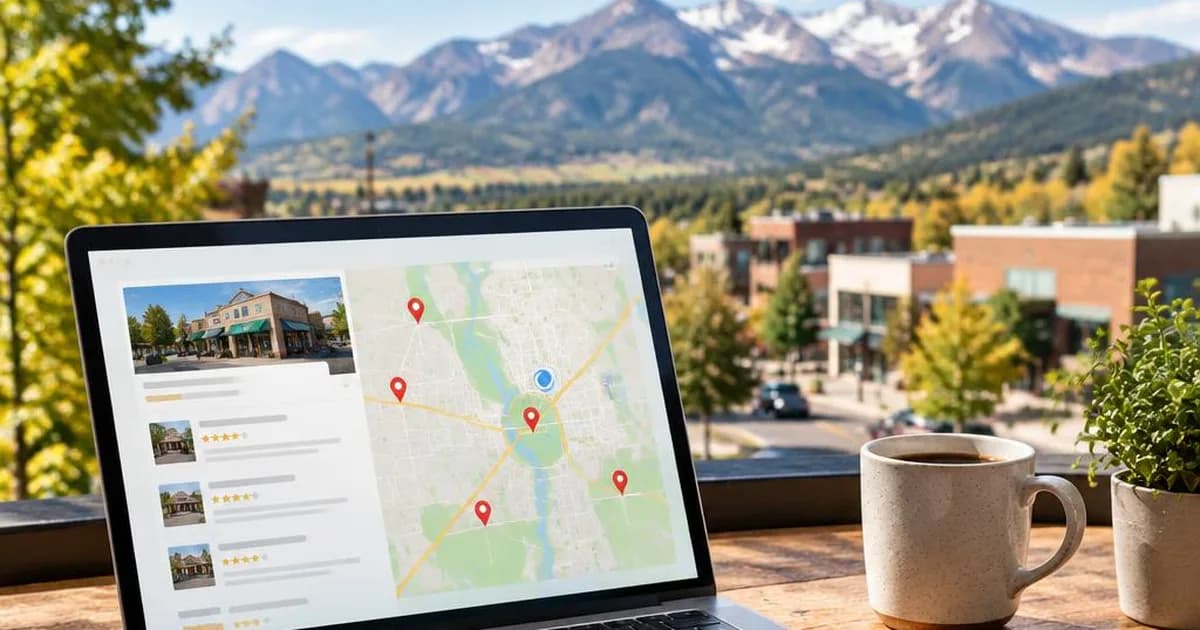
A practical, step-by-step checklist to set up and optimize your Google Business Profile for Littleton and the south Denver metro, with actionable tips on categories, photos, posts, and review management to improve your visibility in the local Map Pack.
Why a Google Business Profile Matters for Littleton Businesses
Local customers commonly use Google to find nearby services, and the Map Pack is often the first thing they see. A complete, accurate Google Business Profile (GBP) increases your chances of appearing for the searches that matter in Littleton and the south Denver metro, because Google evaluates relevance, proximity, and prominence when ranking profiles. Treat your GBP as a primary contact point that reflects your current hours, services, and photos, and it will help turn searchers into calls and visits.
This post is the Littleton checklist: what to gather, what to set up, and what to maintain. If you already have a profile and want to go deeper on individual settings, our guide to 11 Google Business Profile settings that move your ranking walks through each one.
Information to Gather Before You Begin
Collect the core facts you will enter into GBP so you can complete the profile in one session:
- Your exact business name as you use it publicly
- Your primary and secondary business categories
- A primary phone number, ideally a local one
- Your website URL
- A clear description of the services you offer
- Regular and seasonal hours
- An accurate address or a defined service area
- Accepted payment methods or booking links, if applicable
- High-quality photos and your logo
- Short service descriptions or menu items
Step-by-Step Setup: The Essentials
- Create or claim your profile in Google Business Profile Manager and complete verification.
- Choose the most specific primary category that fits your business, then add additional categories that reflect your key services.
- Enter your business name exactly as you use it, a local phone number, and your website URL.
- If you operate without a public storefront, use the service-area setting rather than a public address, and list the Littleton and south Denver metro areas you actually serve.
- Add accurate hours and any temporary closures.
- Turn on messaging or booking features only if you will use them.
- Confirm your contact details match your website and your other online listings.
Optimizing Categories, Services, and the Business Description
Categories and the services list help Google understand what you do. Pick precise categories, and use the Services section to list specific offerings with short descriptions. Write a concise business description that naturally includes the primary services you provide and mentions Littleton or nearby service areas when appropriate. Avoid keyword stuffing, and prioritize the clear language a local customer would use. Make sure your website supports these claims with structured, location-specific content so your on-site and GBP signals align.
Photos, Posts, and Other Visual Signals
High-quality, recent photos influence clicks and show that your business is active. Work through this list:
- Logo and cover image
- Exterior photos, if customers visit you
- Interior or workspace photos
- Staff at work
- Products or before-and-after examples
- Branded vehicles or signage
Publish regular GBP posts to announce offers, events, or service updates. Posts show activity and give searchers a reason to engage. Keep a steady cadence of fresh photos and posts so the profile stays current and relevant to local searchers.
Reputation Management: Reviews and Questions
Actively request reviews from satisfied customers, and make it easy by sharing a direct review link. Respond promptly and professionally to every review: thank positive reviewers, and handle concerns offline when possible. If your listing still shows a questions section, monitor it and answer real customer questions so misinformation does not sit there publicly. Regular review activity shows Google that your business is engaged with customers and builds trust with potential clients. For a simple system to keep reviews coming in, read how to get more Google reviews.
Ongoing Maintenance Checklist
A one-time setup is not enough. Each month:
- Publish new GBP posts
- Add new photos
- Monitor and respond to reviews
- Check your regular hours and set special hours for holidays
- Review your categories and services
- Track your local ranking performance
Your profile works best alongside your website and listings. If you serve customers across the south Denver metro, our step-by-step local SEO guide for south Denver contractors covers the website pages, citations, and review habits that support your profile.
Getting Professional Support
If you prefer outside help, a specialist can manage these tasks and keep your GBP maintenance aligned with your local SEO and website updates. Egmer Marketing offers Google Business Profile optimization and local SEO services for Littleton and the south Denver metro. As one client put it in a Google review, Egmer is "reliable, knowledgeable, and insightful with tools and strategies that are innovative, and will save you time and energy."